
The rewrite happens over the field you were in
Anvyll is a Windows prompt optimizer. Ctrl+Space opens a tray overlay on the focused field. There is no API key. It is not the supply-chain product Anvyl and not Anvil. The target model selects a prompting methodology. Apply writes the result back into the same field.
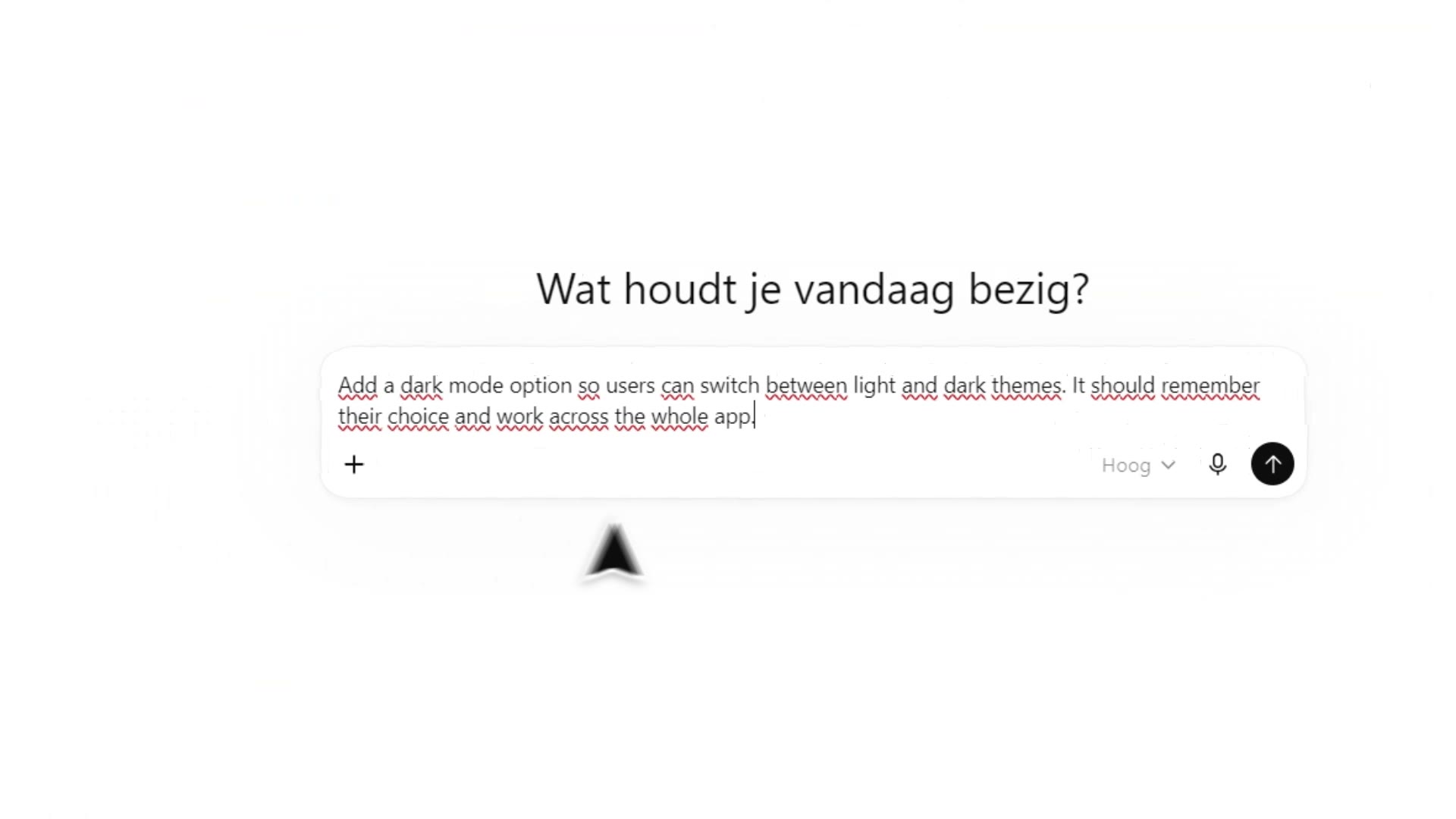
This is the part a web optimizer cannot do. You do not copy the draft into another site, and you do not keep a second window beside the work. The overlay opens on the focused field. That only exists on Windows, because capture and insertion use Windows text fields. There is no macOS or Linux build.
Prompts, sessions and project context are stored in a per-account vault on your own machine, not in a server-side content database. When you press Generate, the submitted prompt and any context you attached are sent to the Anvyll service, which calls the model and returns the result. Sign-in, plan and credit records are account data. They are kept apart from the text you refine.
The short demo on the homepage is the same motion: capture, refine, apply. If the field refuses insertion, the refined text remains on the clipboard and Copy is in the overlay footer. Guides for each target model are on /learn. The structural comparison with other optimizers is on the comparison page.