
A long draft, still in the document
Anvyll is a Windows prompt optimizer. Ctrl+Space opens the tray overlay on the document field you are writing in. Your standing instructions apply to every refine. It is not Anvil AI, Anvil Works, or the supply-chain product Anvyl. The target model chooses how the prompt is structured, then the post goes back into that field.
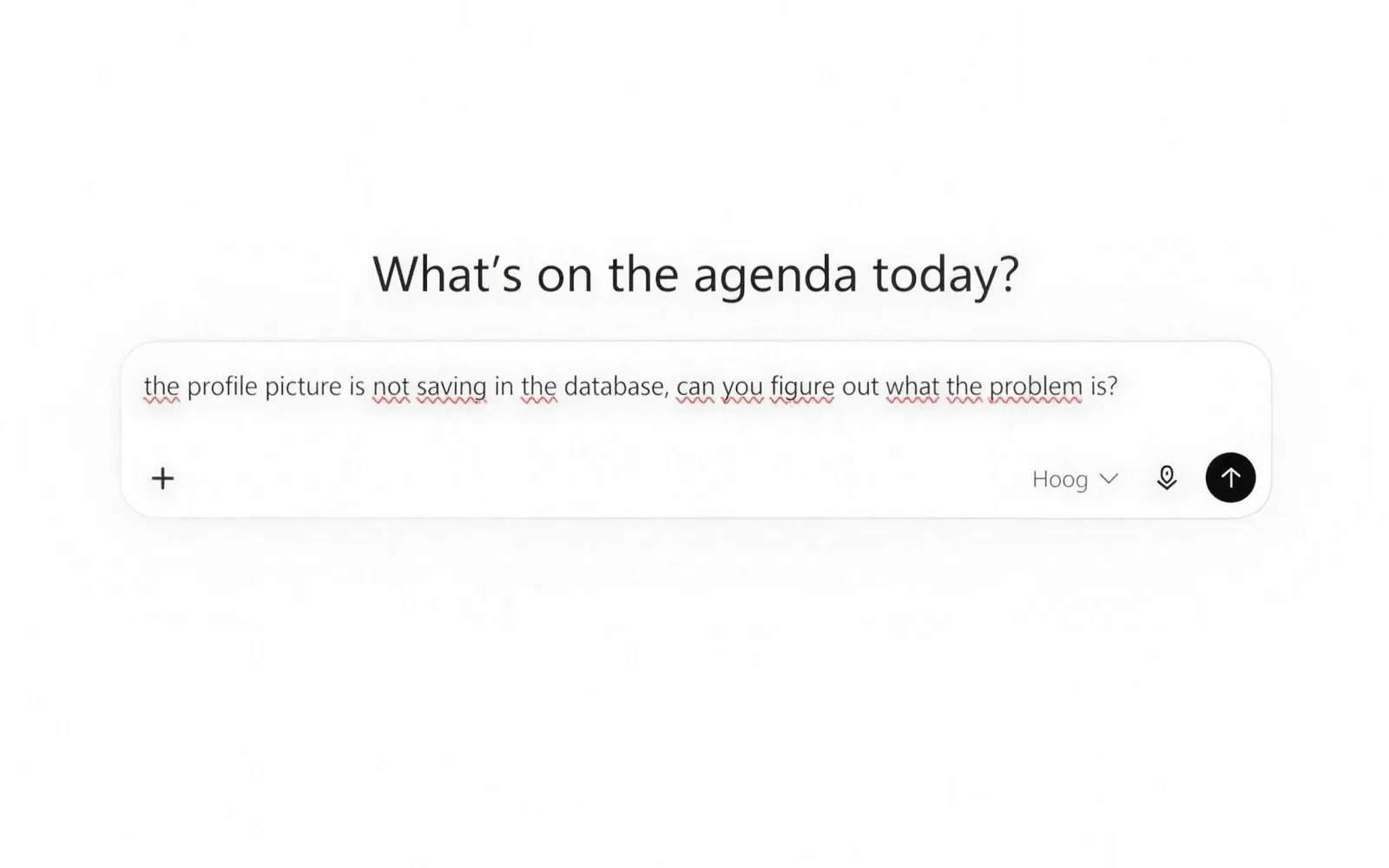
Long-form work fails in a chat box because the draft and the instructions get mixed, and because you then have to carry the answer back by hand. The overlay starts from the text already in the document. It is not a second editor and it does not keep a conversation.
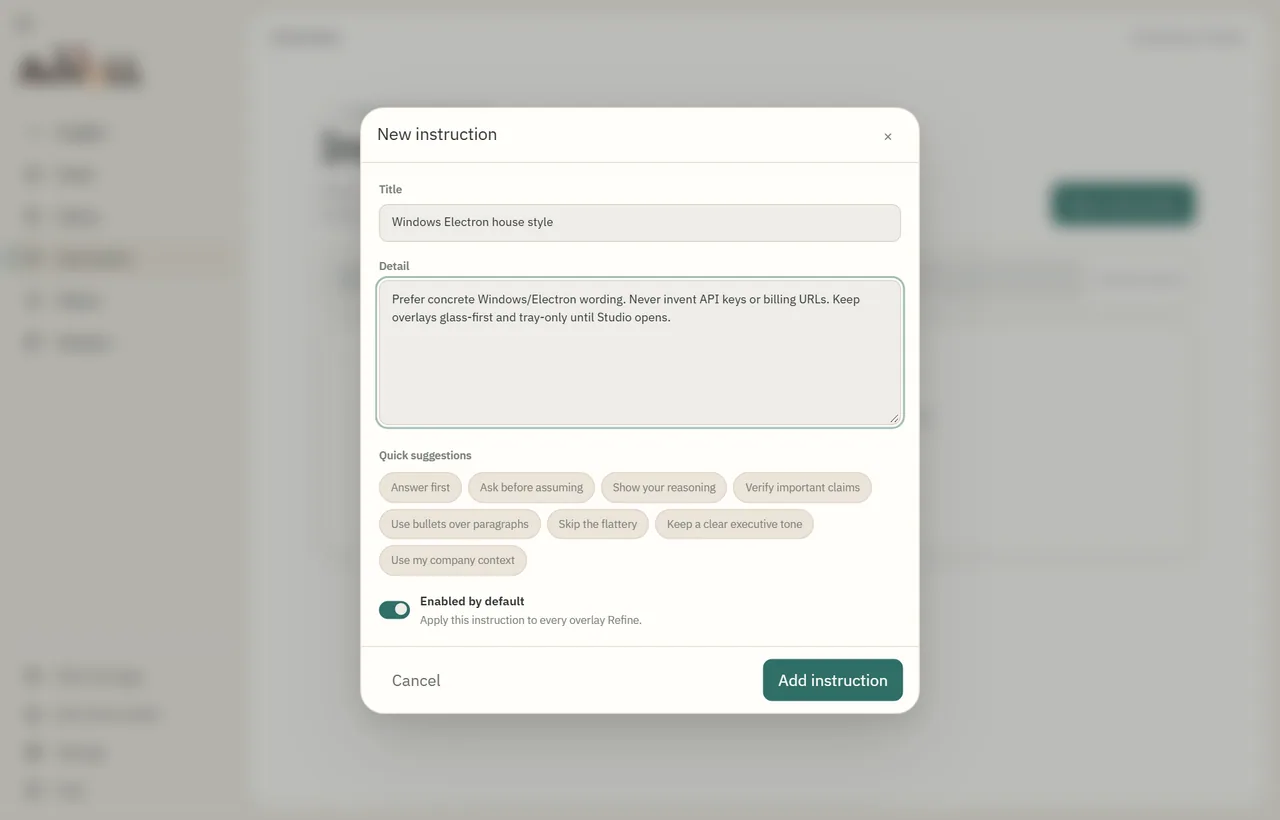
Say it once. Applied every time.
Write house rules such as tone or what to avoid. They count as binding instructions on every refine.
What changes between the rough line and the prompt?
write a blog post announcing our windows app is moving from 1000 one-off credits to a flat 13.99 a month plan, about 600 words, its for people already using it, dont be hypeyThat line already contains the word count, the audience, both prices, and the tone. A writing prompt names those as separate constraints so the model is not asked to invent a product or a length. One version, for a prose announcement:
Task: Write the announcement.
Length: about 600 words.
Audience: people already using the Windows app.
Facts: 1,000 one-off credits, then a flat 13.99 a month.
Tone: no hype adjectives.
Output: the post itself, not an outline and not a second draft.
Generate sends the prompt and any context you attached to the Anvyll service. The document stays in the local vault with your other drafts. Pricing is on the homepage: 1,000 credits once, or Unlimited at €13.99 a month after a 14-day trial.
A note that is not a prompt yet
Switch the overlay to writing and choose braindump when the field is still loose thoughts. It groups what you already wrote and leaves out anything you did not: no answers to the questions in the note, and no new decisions, owners, or to-dos. On a longer draft the list marks it recommended. The same control is described on Features.
Try it on your next draft.
Install Anvyll, click into your document and press Ctrl+Space.
Download for Windows Send Anvyll to your PC Get notified
Free to start · 1,000 credits · No card