
Prompting inside the editor you already have open
Anvyll is a Windows prompt optimizer. In Cursor or another editor, Ctrl+Space opens the tray overlay on the focused field. You do not paste an API key. It is not the supply-chain product Anvyl and not Anvil. The target you pick, including Composer, selects a prompting methodology.
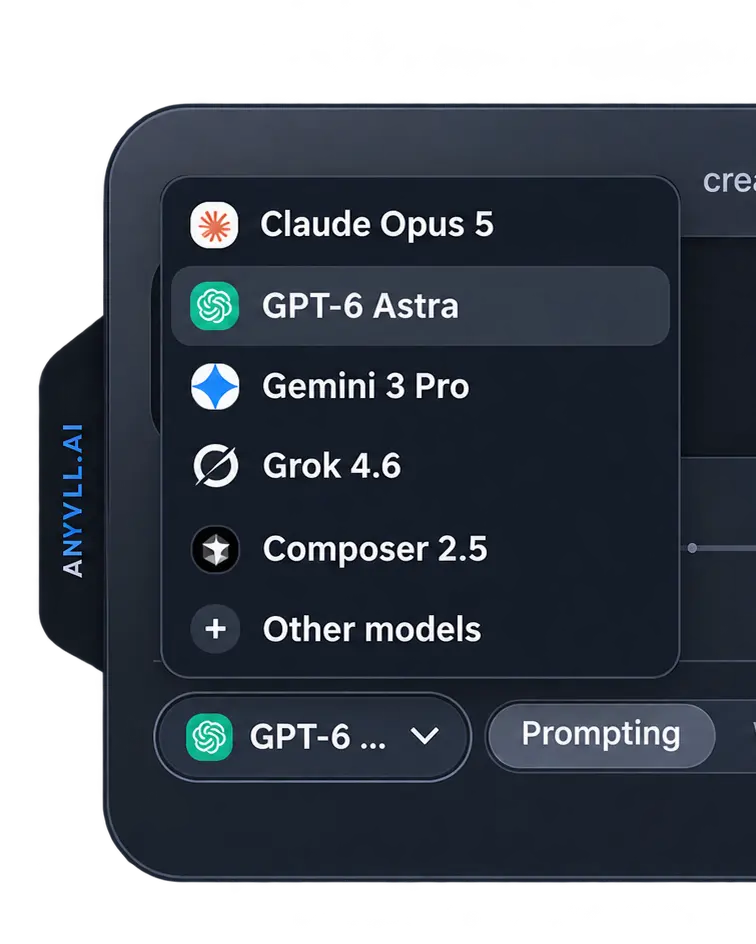
The editor is where the draft already is: a chat composer, a comment, a commit message. The overlay does not replace Cursor. It reads the focused field, rewrites that draft, and Apply tries to write the result back. If insertion is blocked, the text stays on the clipboard.
Picking Composer 2.5 does not mean Composer runs the rewrite. It means the rewrite follows the Composer guide's shape: a goal, repo context you actually supply, and constraints up front. The guide is How to prompt Cursor Composer 2.5.
What does a rough editor prompt look like before and after?
The same draft used on the homepage:
write a blog post announcing our windows app is moving from 1000 one-off credits to a flat 13.99 a month plan, about 600 words, its for people already using it, dont be hypeyAimed at an editor, the useful change is not a longer essay. It is a goal, the facts already in the draft, and an output contract the editor can hold:
Goal: Announce the pricing change in about 600 words.
Facts: Windows app; 1,000 one-off credits; flat 13.99 a month; readers already use it.
Constraint: No hype adjectives.
Output: One post, in the field this was captured from.
Refining sends that prompt to the Anvyll service. The editor file itself stays on the machine. See also without leaving the app.